Seedrのクラウドストレージ、アプリ、アカウントの新機能:2026年10月
+メニューからの外部ストレージ追加、Google Driveのフォルダ操作、クラウド転送の再開と再試行、クラウド内での変換、ログイン中の端末の確認、新しい表示言語。
+メニューからの外部ストレージ追加、Google Driveのフォルダ操作、クラウド転送の再開と再試行、クラウド内での変換、ログイン中の端末の確認、新しい表示言語。
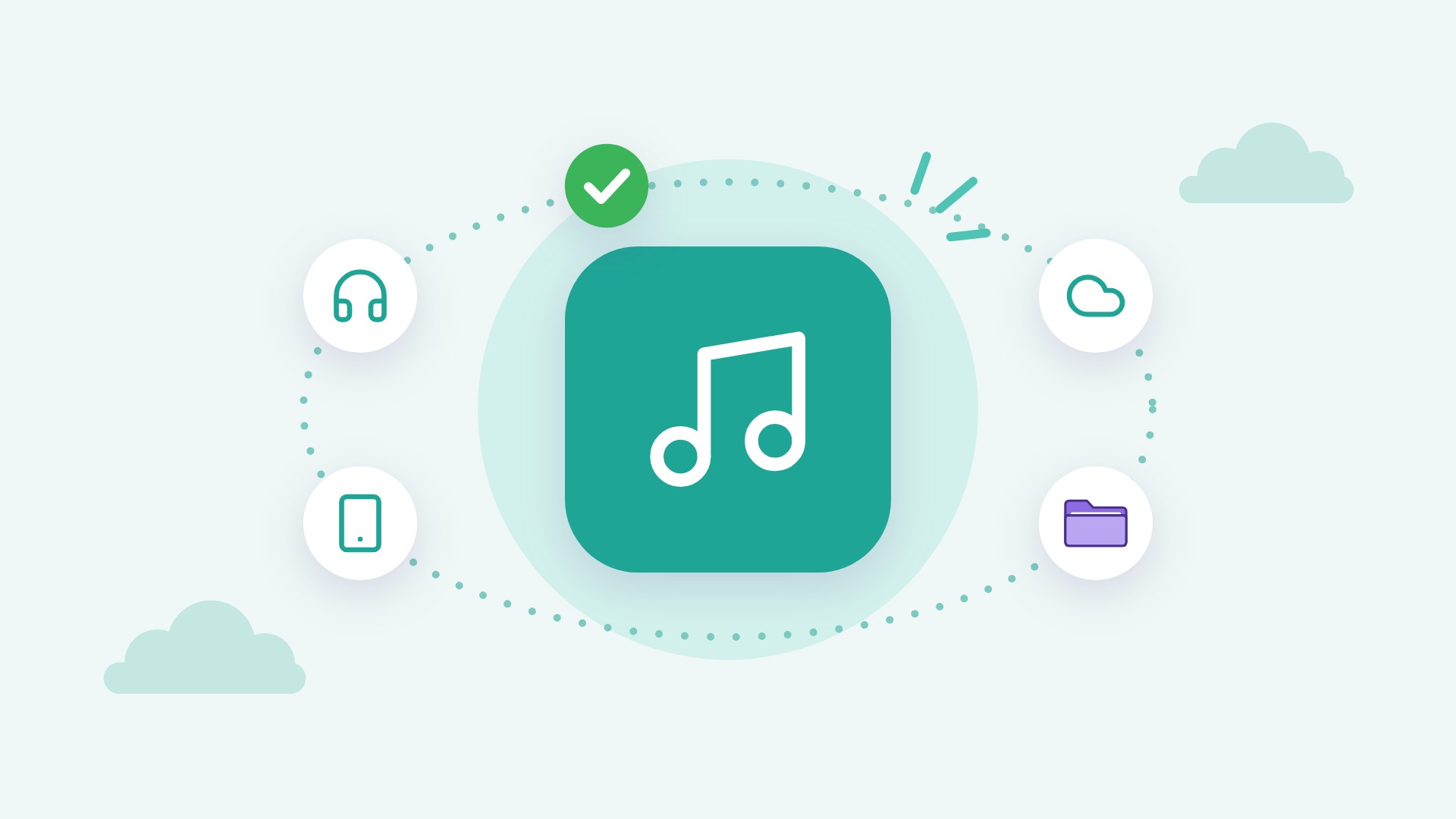
Decide by where your music lives and how much room your phone has, then check the features that matter.
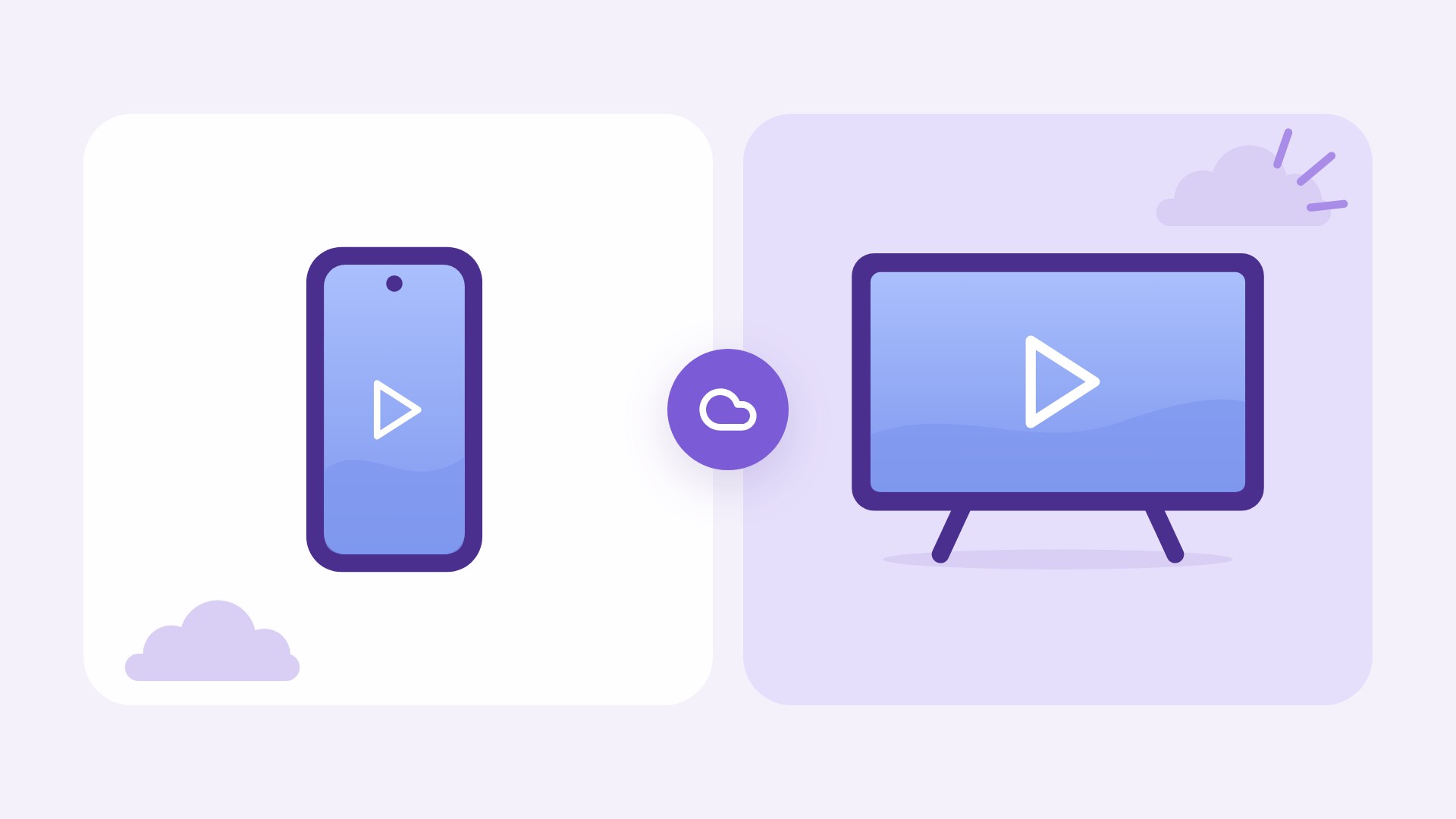
The upgraded Seedr Android app brings Seedr V2 to your phone and TV: add links, play video and audio in the built-in media player, and sign in on your TV with a QR code.
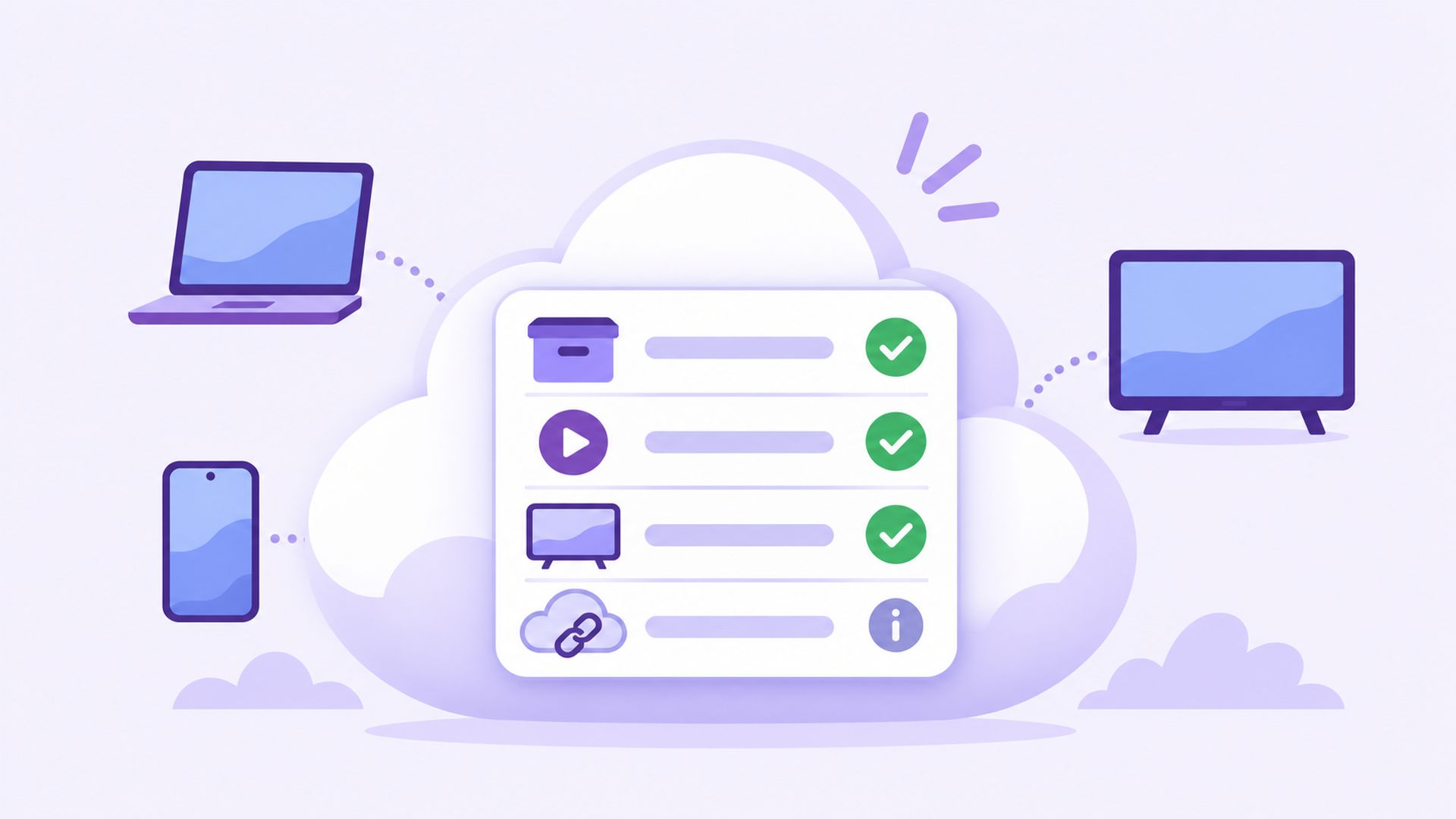
What Seedr does, which plan covers what, and what to know before you start: storage, streaming quality, TV apps, FTP and WebDAV, connected clouds.
Plain definitions of cloud downloading terms, from remote downloads and magnet links to WebDAV, FTP, TV playback and seeding limits, with links to Seedr Help.

To watch an MKV in your browser, import it into Seedr, wait for the import to finish, then open the video. A compatible stream avoids installing a local.
Copy files between Google Drive and Seedr by connecting Drive from the + menu, then copying a file or folder to the other storage. This is a cloud.